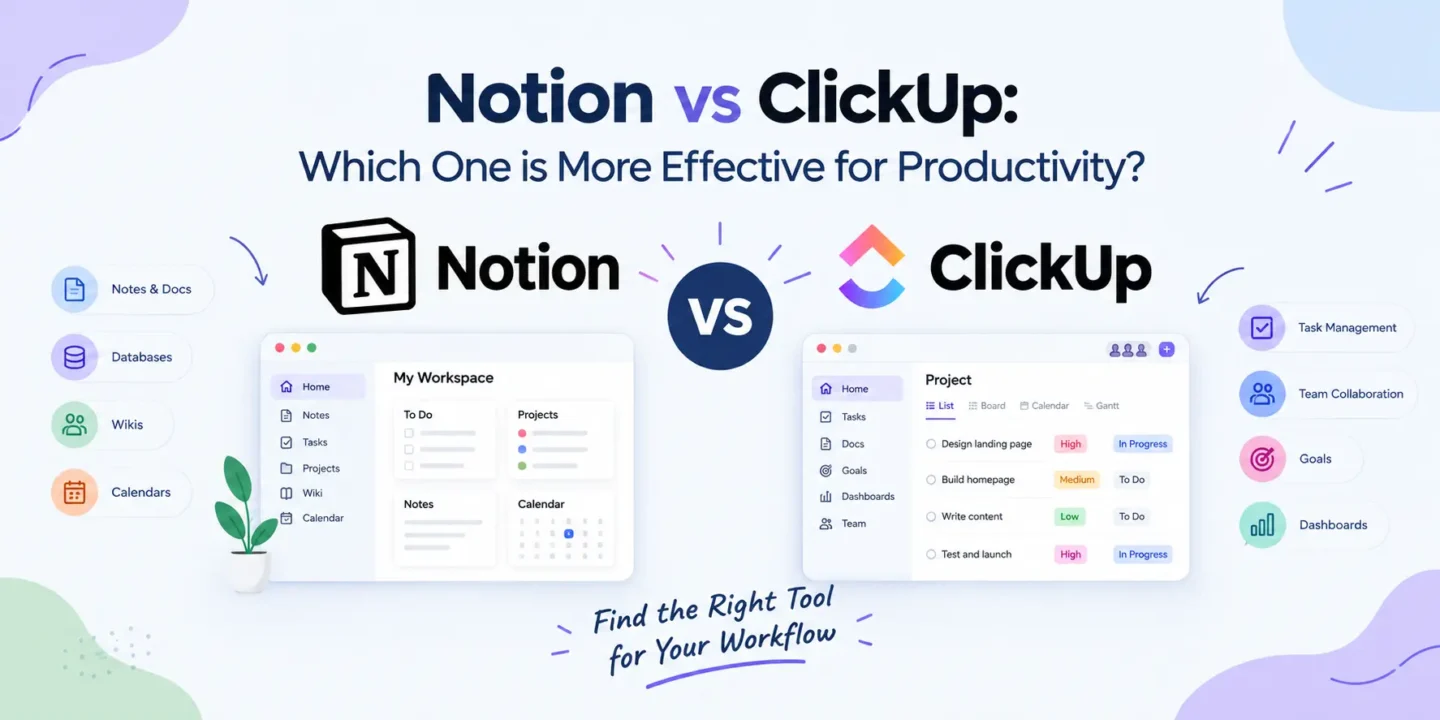
Notion vs ClickUp: Which One is More Effective for Productivity?
 Krati Athwani

 Krati Athwani
Selecting a right productivity tool can mean the difference between how you organize your work, managing your tasks and collaborating with your team. Notion is one of the most widely used productivity applications on the market and definitely one of the most different from ClickUp as catered towards a wide range of features. Notion is quite document/task-central, while ClickUp focuses more on task/project management and flexibility.
To determine whether it is better than ClickUp, let’s investigate its main features, user-friendliness, project management capabilities, collaboration options, and overall productivity.
Notion is a single workspace where users can experience notes, docs, databases, task management, wikis, and project organization all in a single place. The flexibility allows user to design individual and business oriented work areas as per the requirement.
Notions’ greatest functionality is its versatility. Can create websites like a list or a business knowledge base. It’s also commonly utilized for content organizing, notes during interactions, documentation, calendars, as well as team wikis.
Notion is a terrific tool for anyone who needs to structure information in a flexible manner with people, writers, students, content teams, and business. Beginners can find it difficult to locate out how they require to arrange their work space, yet it is flexibility that makes it terrific.
ClickUp is a productivity and project management system for you and your team to track tasks, projects, objectives, docs and workflows all in one place.
While Notion is all about projects and tasks, ClickUp is more about tracking them. Users can create tasks, assign user responsibility, set deadlines, prioritize tasks, track and follow through on complex workflows.
ClickUp is particularly beneficial for businesses, agencies, start-ups, and teams that need all the tools available for project management. There are several options to view and organize projects, which will assist teams to monitor projects and deadlines.
Notion‘s user interface is relatively simple and adaptable. Users can create an empty page on which to add a workspace, bit by bit. This is appealing to the users, who want to have control on their data organization.
This flexibility also comes at a price, however – the learning curve becomes speedier. Those who do not wish to scavenge for anything can then take some time to adjust Notion to the most efficient project management software.
ClickUp provides a more organized experience right from the get-go. It comes with particular highlights for the intent of working tasks, projects, deadlines, priorities and flow. This can sometimes make the use of complex projects easier, and at first sight daunting due to the number of features.
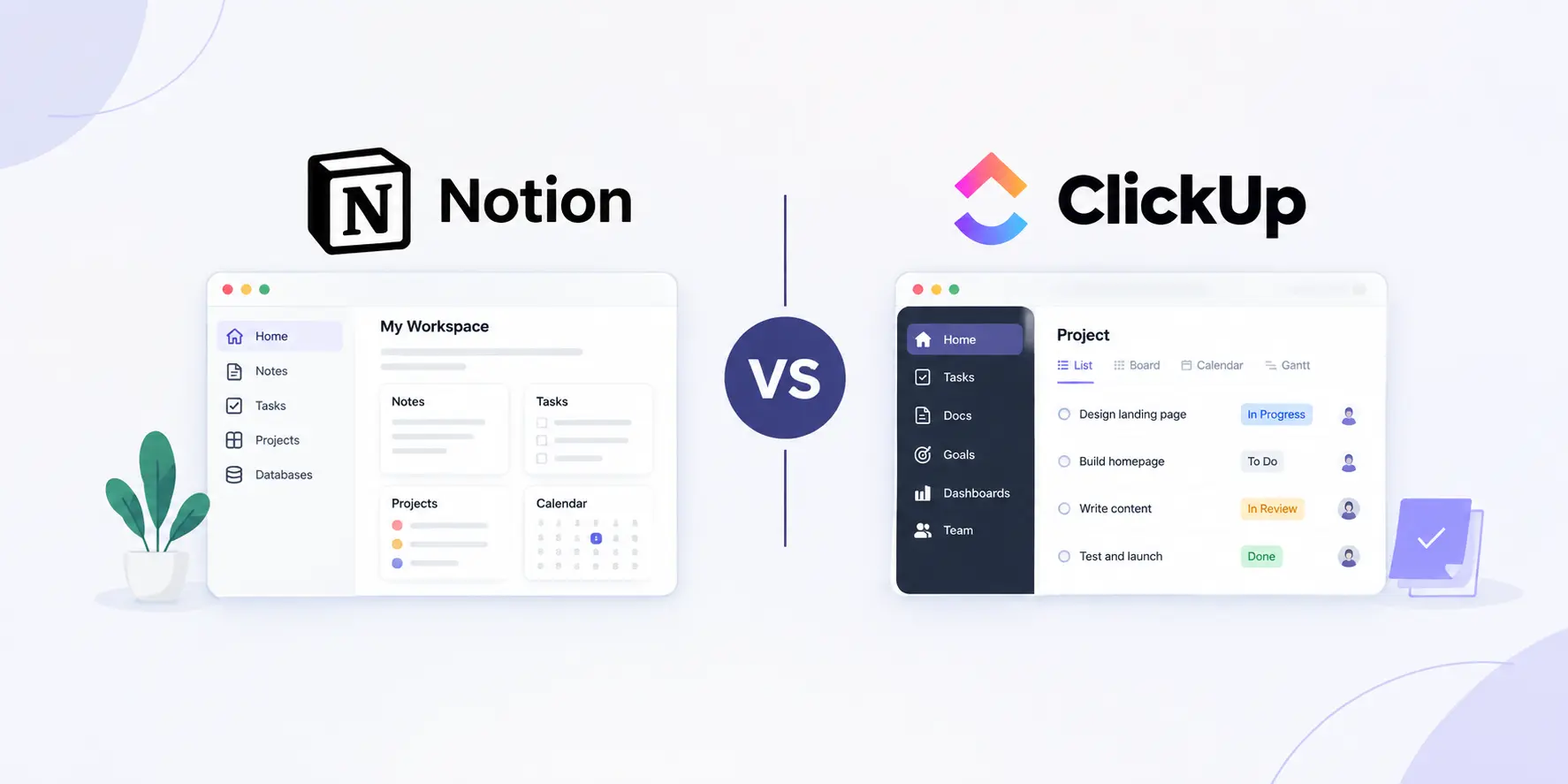
ClickUp‘s project management feature is very helpful. It includes tools that are specially created for Task and project management: Assignments, priorities, deadlines, task dependency, status and various views of project.
Notion can be used for project management with its databases, boards, calibration and templates. Users, however, generally have to configure these features to their preferences.
ClickUp‘s organized workflow can be beneficial for teams handling several projects and deadlines. Notion is best for users who desire project management, documentation and various other information.
They need to have proper documentation, proper Knowledge Management is critical.
Notion does not have a wide range of specialists when it pertains to documentation and knowledge management. It’s based on the concept of pages and allows companies to create company wikis, company guides, content calendars and company documentation at meetings.
ClickUp also offers document and knowledge management capabilities, but it seems to be more project/task focused.
In Notion, you’ll find a more natural workspace for writers who have a steady output of written material, content creators, and marketers.
While there are plenty of impressive customisation options available in both Notion and ClickUp, they’re presented in distinct ways.
Notion is a workspace that is flexible and can be used to essentially build your workspace from scratch. You can create a system that satisfies your workflow by combining and configuring pages, databases, templates and various views.
ClickUp has a high level of customization options with its project structures, task statuses, views, dashboards and workflow settings. It provides users the choice of existing workspace as a workspace, created by a Project Management system. The user cannot start from scratch but is informed that they can create a workspace, but it has been used before? No users are made to start from scratch, but can choose to existing users on the workspace, which has previously been set as a project management system.
This decision depends on the needs you have with regard to productivity.
Note taking, Documentation, Knowledge Management, Planning Content, Flexible Space Organization — Notion might be a more reliable choice if these are the main objectives. It’s specifically valuable for individuals who wish to establish their own productiveness method.
If you want more structured workflow, primarily task and project management, team communication and collaboration tools, deadlines, and just some basic organization, ClickUp may be a better choice. It’s intended to fulfill more advanced project management needs.
Notion and ClickUp are two highly functional productivity tools but follow different functions. Notion is more about being flexible, documentation, and connected information, whereas ClickUp emphasizes more on structured tasks, projects and workflow.
If you’re someone who wants a more flexible digital way of working and would like to arrange information and ideas layman’s terms, then Notion is really worth a shot. If you’re looking for a more advanced platform to work through projects, Collaborate and teamwork throughout, ClickUp might be a greater option.
Last but not least, the most productive productivity application will help you organize and manage your work and complete it more easily, which will be according to your working style.

© 2026. All rights reserved by Saasutility.




No Comments