Vyond: A Smarter Way to Turn Everyday Ideas into Engaging Videos
 Veer
Veer


 Veer
Veer
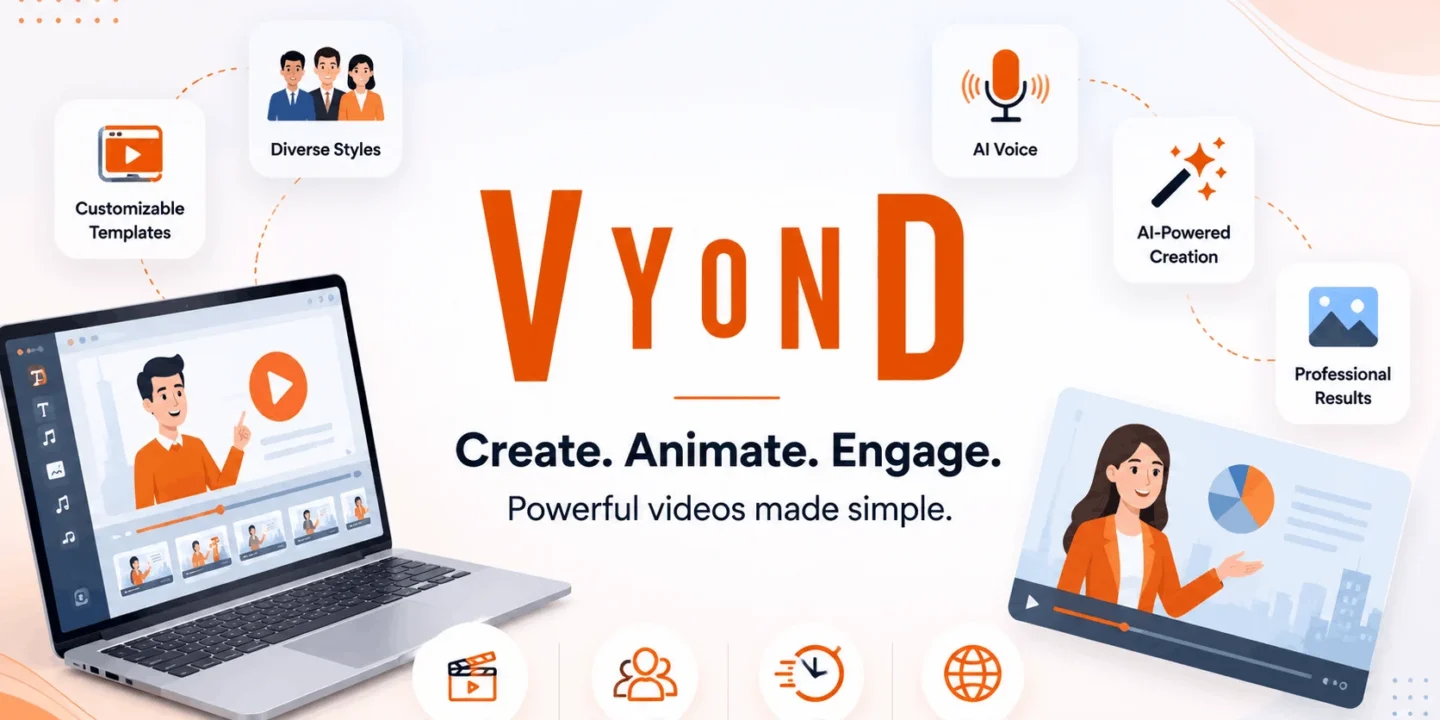
Professional video making used to take several hours of writing scripts, designing, editing, and voicing. Nowadays, companies need faster delivery without lowering the quality. This is where the role of Vyond comes in. Instead of beginning with a blank page, the user can transform an idea, file, or script into an animated video much quicker.
If you are developing employee training videos, marketing strategies, product demonstrations, or internal presentations for your business, you have an option to make use of tech-driven workflows which will help in saving time spent on the process. In contrast to other platforms, Vyond is focused not only on offering animation but also communication tools.
This article will help you to learn more about the role of Vyond in content creation, workflow, artificial intelligence, and Vyond pricing.
Video creation tools assume that the user will create everything on his own. That is not how video creation by Vyond operates. It starts with what the user already has in mind or possesses.
Rather than spending effort on the manual construction of each frame, one can enter a topic, upload a file, insert a script or just existing text. As a result, the system creates an initial draft that includes scenes, animations, characters, voice over, and transitions.
As the draft is created automatically, editing takes significantly less effort.
One of the reasons why companies opt for Vyond animation is that it is very versatile. In some cases, you don’t need fancy editing techniques or motion graphics. Sometimes all you need to do is explain a certain process.
Vyond will arrange your scenes, synchronize visuals with your speech, and make transitions smooth. Moreover, the software allows users to combine animated characters, animated avatars, images, graphs, icons, and logos within one project.
This way, it becomes easy to use the software even for HR departments, sales representatives, customer service, teachers, and marketers who need video creation but lack animators.
Among all of the strengths of the Top features in Vyond, the ability to reduce the amount of repetitive work is the most significant one.
Instead of looking for all of the visual elements one by one, this will recognize what kind of content it deals with and will offer suitable scenes based on the story. Additionally, this will be able to automatically generate visual scenes based on the documents, scripts, presentations, and even the web content.
Vyond editing is another useful feature that lets users make some changes in the video content without the need to remake all of the scenes. Instead of making a complete revision of the video, one can simply change the text, which saves a lot of time for business updating their content on a regular basis.
Great video starts from clear narration. This is where Vyond voice comes into play. Using such technology gives people ability to create lifelike voices that do not require recording by users.
The selection includes hundreds of voices that differ by language and accent. Companies will be able to re-create narration any time they want because there is no need to pay for voice artists each time there is a change in the script.
It is especially useful for companies working with multilingual content and frequently updating training videos.
Vyond’s text to video is among the most useful functions.
In contrast to physically placing everything together, users need just copy and paste text onto the application. The artificial intelligence then processes the content to form a coherent video with different scenes, characters, transitions, and voice-over tips.
Such an application can be used when creating blogs, documentation about products, internal news, presentation material, education courses, and advertising content. In place of spending hours on making visuals, creators will get a draft ready for adjustment.
It saves a lot of time for busy marketing departments.
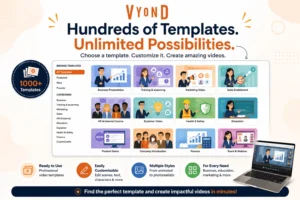
Another unique ability of Vyond is its script-to-video function.
Companies usually have their scripts ready before presentations and trainings take place. Rather than presenting the scripts on static images, this creates an animated story out of them.
The algorithm divides scenes according to the script, picks the right images, and develops a logical order depending on the script’s outline. Then the editors can customize the characters, brand elements, colors, audio, and animation before publishing.
It helps businesses to make videos without relying on a big creative team.
Understanding Vyond pricing is important before choosing a subscription. The platform offers multiple plans depending on business size and production requirements.
| Plan | Annual Price | Monthly Price | Best For |
|---|---|---|---|
| Starter | $58/month (billed annually) | $99/month | Individual creators and small businesses |
| Professional | $100/month per user (billed annually) | $199/month per user | Marketing teams and growing organizations |
| Enterprise | $137/month per user (annual only) | Custom monthly availability | Large companies needing security and collaboration |
| Agency | $167/month per user (annual only) | Contact sales | Agencies creating videos for multiple clients |
The Starter package has avatars, text-to-video creation, voices, screen recording, and monthly credits. The Professional package enhances collaboration, translation, Shutterstock resources, and increased credit limits. Enterprise Package has enhanced security features, brand management, and almost unlimited use of this tool, while the Agency plan comes with client content rights and high credit limits.
If your company is making videos on a regular basis, Vyond provides you with more than just animation software. The software’s key point is the reduction in production time and better teamwork to visualize ideas.
The use of Vyond tools, including Vyond animation, Vyond video creation, Vyond voice, Vyond text to video, and Vyond script to video makes the process convenient for both beginners and experienced video makers.
In any case, if your goal is to make onboarding videos, marketing campaigns, educational material, or customer service videos, the platform eliminates numerous technical obstacles that usually hinder the process of video creation. Taking into account the Vyond pricing policy, the tool turns out to be a reasonable choice for companies.

© 2026. All rights reserved by Saasutility.




No Comments