Hyper3D AI: Text To 3D Models, Features & Pricing
 Veer
Veer


 Veer
Veer
Explore Hyper3D AI and Rodin for text-to-3D modeling, image conversion, asset exports, creative workflows, pricing options, and practical ways to turn concepts into usable three-dimensional models.
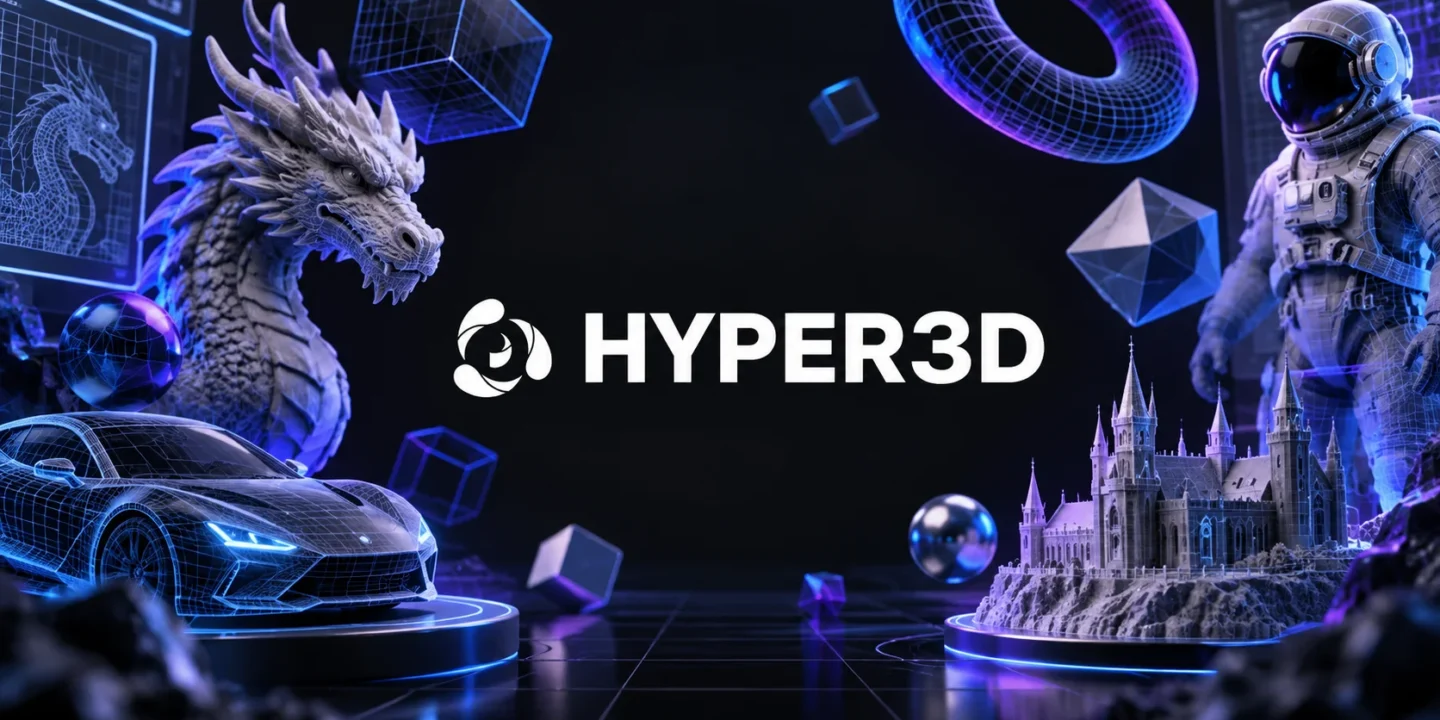
Building 3D models used to be a process that required a lot of patience and a good understanding of the software used to make 3D models. AI-based software is making the process easier for people to build 3D models from text prompts and images. The Hyper3D AI software makes the process easier for people regardless of what they are trying to build in the software.
Instead of thinking of AI as an alternative to 3D artists, it is better to think of AI as a means to start a project. The 3D model that is built by AI will only act as the basis for further editing and customization.
The first step in the 3D Hyper3D pipeline is the input of text describing the object that needs to be created. Rather than stating “a chair,” give more information about the form, material, style, colors, and intended use of the object. An input such as “low-poly chair made of wood with curved arms” is more detailed than just a generic request. Such a description will guide the process, although not guarantee the outcome.
Another way to begin a creation of an object is to upload an image. This may come in handy in case you have a ready sketch or product image, or even a character design. The Hyper3D Rodin suite can create textured assets both from text and image prompts.
Hyper3D Rodin AI creates a 3D object with its geometries and materials, not creating merely a flat image of an object.https://precise.gotrackier.com/click?campaign_id=2043&pub_id=6 Based on the chosen model and settings, users have the ability to manipulate such parameters as mesh, textures, and export format. Therefore, it is a useful tool for artists who require an asset to use in another program.
Nevertheless, the created model requires checking. Make sure you examine the silhouette of your model, its small details, quality of surfaces, and areas that were not visible during creation. Even a convincing-looking preview may require fixing.
Prop generation can help game developers during the initial development phase. It is possible to consider a number of options regarding crates, furniture, fantastic elements, or environment elements, which will not require wasting much time on the creation of the final asset. It is possible to consider different combinations of elements and their sizes by using models.
The product developers can utilize Hyper3D for exploring some visual ideas, creating prototypes or preparing assets for an online presentation. The educators or hobbyists can practice using 3D tools without starting each project with an empty canvas. If you are going to print the model, check whether the exported mesh is appropriate for your printer or slicer; the visual completion does not guarantee its physical completion.
For video game creators, generated assets could be used in the early stages of prototype development to try out multiple designs for crates, furniture, fantastical items, or environment elements before investing time into a final model. Models could be used by designers to play with composition and scale during the developmental stages of a project.
Hyper3D could be utilized by product development teams for experimenting with concepts, creating mock-ups, or preparing digital assets to preview online. By educators or enthusiasts, 3D creation process could be tried without having to begin each project from scratch. For 3D printing, make sure that the exported mesh is appropriate for your printer and slicer; a complete model is not necessarily suitable for any manufacturing process.
The model will become useful when it matches the rest of your workflow process. Hyper3D includes file formats such as GLB, FBX, OBJ, USDZ, and STL in its list of supported formats in all its supported generation processes. However, the choice of the most appropriate file type will depend on the next step.
Free, Creator, Business, and Enterprise subscriptions are available through Hyper3D. Different tiers have different features, credits, export options, and APIs; the website may be subject to change. You may want to check out the limitations before creating a large collection of assets at once.
It is best to use the Hyper3D AI as a creative assistant and not just a replacement for modeling skills. With it, you can develop an initial model, conduct visual experiments, and avoid doing some tedious things multiple times. High-quality images are achieved through careful instructions, checking and refining.
Test Hyper3D Text to 3D creation process using an item that is similar to the items you make. Check if you are satisfied with the mesh in your software of choice after exporting it. Good for concept development and review.

© 2026. All rights reserved by Saasutility.







No Comments