How to Create Videos with Vidnoz AI in Minutes: A Comprehensive Guide For Newbies
 sabhijeet01

 sabhijeet01
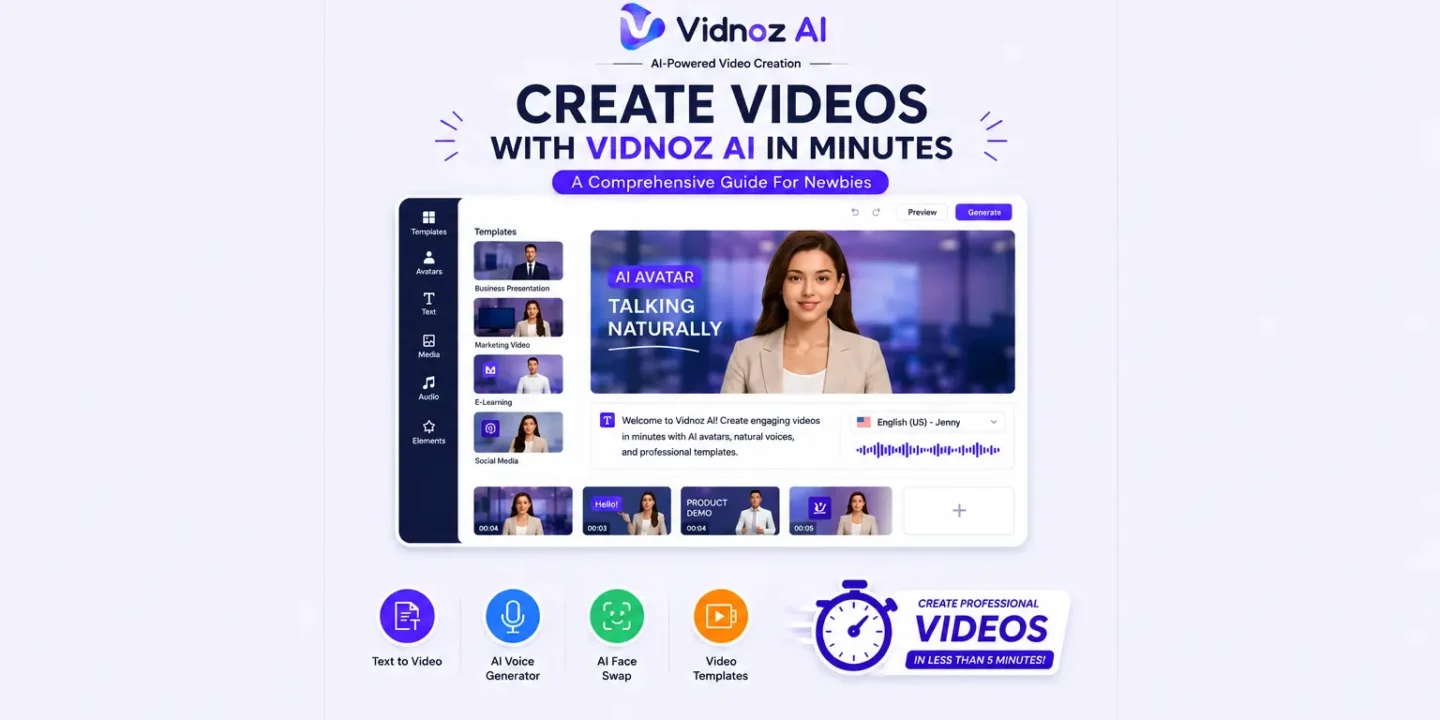
Creating videos with Vidnoz AI creates videos in less than 5 minutes by simply picking a template, an AI avatar, pasting in your script, customizing the visuals and audio to your liking. Using the Vidnoz AI video generator will allow you to automatically create videos and will help you to easily create professional-quality videos for beginners, as well as people with no experience creating video content, without having any advanced video editing experience.
Vidnoz AI has gained its reputation because of its AI video creation tools streamlining the time and effort needed to produce high-quality visual content.Users can quickly create videos in a matter of minutes.
Several factors contribute to the high popularity of Vidnoz AI:
These factors are attractive to both solo creators as well as corporations.
The Vidnoz AI Video Generator uses artificial intelligence to create your entire video from a written script. Rather than filming the content yourself.
| Feature | Benefit |
| AI AvatarText to Video
AI Voice Generator Video Template Online Video Creator Video Editing Tools |
Delivers a natural presentation of your scriptConverts your text into engaging videos
Provides realistic voice narration Accelerates the creation of videos Allows you to create videos directly from a web browser Allows you to customize scenes and visuals as well as edit the text |
The use of the Vidnoz AI Video Generator reduces production time while still providing a high-quality end result.
The following steps will help you create an AI-generated video using Vidnoz AI video generator:
step 1- Register for a Vidnoz Account
To use Vidnoz AI, first register and log in. Once you have logged in, you will have access to all of the editing tools.
Step 2. Choose a Video Template
Vidnoz AI Engine allows users to search video templates that best fit their project objectives.
Step 3. Pick an Avatar
Users can choose from a variety of talking avatars or create their own avatar with the AI Generation engine. There are various styles for both talking and generating avatars for different purposes.
step 4 – Add Your Script
You can paste your script into the editor provided. Next, the AI voice generator will turn your script into speech and the avatar will sync the expressions from their face.
step 5 – Personalize Your Video
Fonts, colors, animations, image locations, transitions and brand elements can all be tailored for your video in the editor. You can also upload your images and logos, even add more scenes.
step 6 – Download and create
Once you have finished customizing your video you can preview your video and then click generate. Your video will be ready to download and share in only minutes.
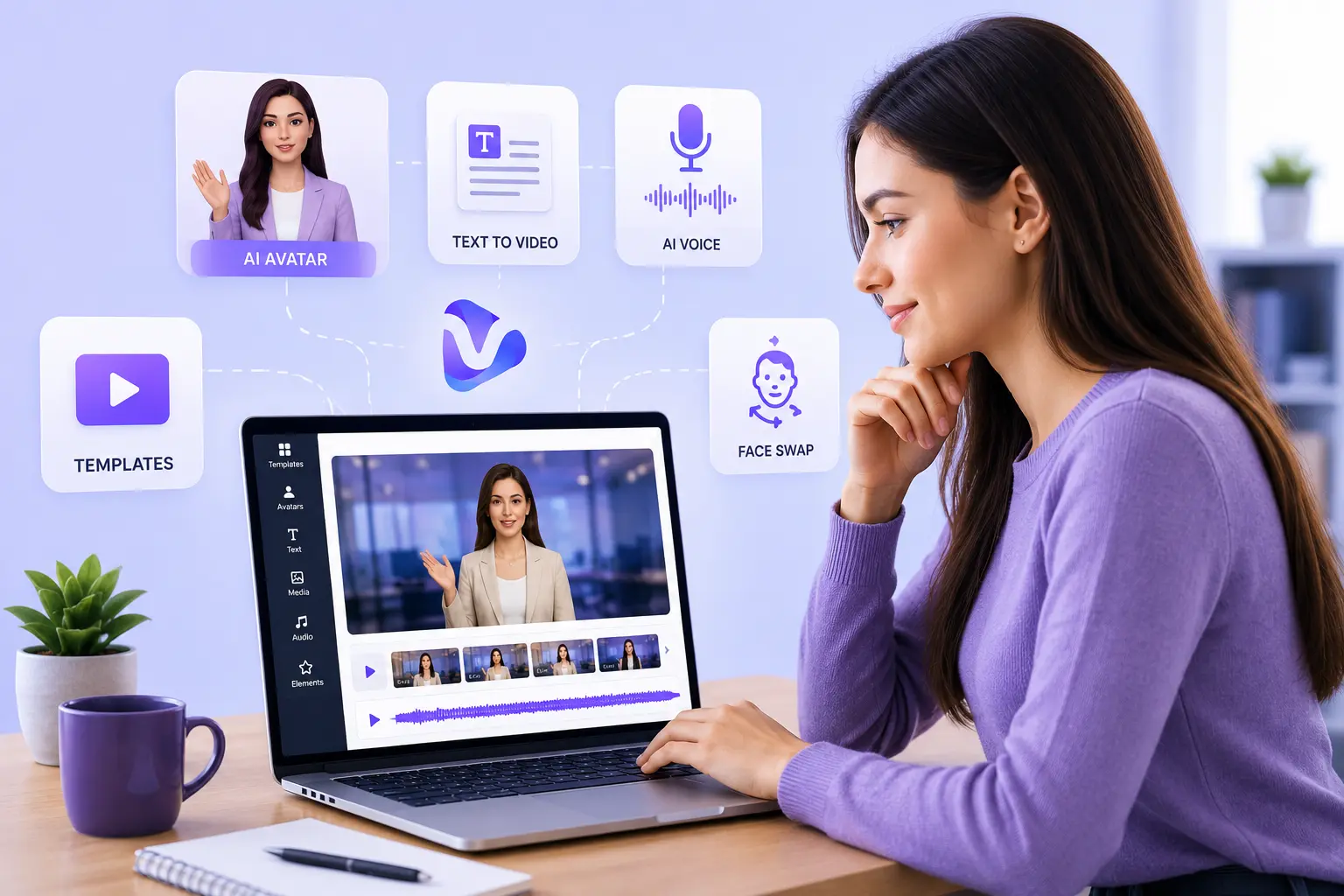
One of the most popular features on the platform is the Vidnoz AI Face Swap, which allows users to replace their faces with others using artificial intelligence, while still keeping realistic facial expressions and movements.
Here are some potential applications of Vidnoz AI Face Swap:
By following these guidelines, you will create an improved experience and also optimize your content marketing effort with video.
Vidnoz Ai is applicable in many ways across many different industries.
Some common types of videos created by businesses are:
With an AI presentation maker and automated video capabilities, businesses can create a large amount of professional content consistently and quickly.
If you are a video creator or business, there are many advantages to using Vidnoz AI Video Generator.
The key advantages of using Vidnoz AI include:
All of the above features will help you produce AI-based content quickly and efficiently.
In 2026, Vidnoz AI is the ideal tool for many types of users looking to create high-quality video quickly and economically using inexpensive equipment and highly trained editors to complete their projects.
Video avatars, text-to-video capabilities, artificial voice generators, and face-swapping with existing video footage will allow for a variety of uses ranging from digital marketing and education to business communication, social media, and even multiple other applications using Vidnoz AI.
The Vidnoz AI platform allows anyone to create videos. It is perfect for marketing videos, educational videos, social media videos, and business presentations because it enables automation with enough creative freedom for users to be able to significantly decrease the time it takes to create their video.
Using the Vidnoz AI Video Generator, realistic AI avatars, text-to-video technology, and face swapping you can create high-quality, consistent and engaging videos in just minutes.

© 2026. All rights reserved by Saasutility.


No Comments