Bitdefender: A Complete Guide to Online Security, Antivirus Protection, and Digital Privacy
 Veer


 Veer
Today, the Internet plays an important role in people’s lives. Individuals make purchases, communicate with each other, perform banking operations, get education and entertainment, do professional work using their gadgets. On the other hand, increased online activity makes people more vulnerable to cybercriminals’ attacks as they can easily steal people’s private data or files.
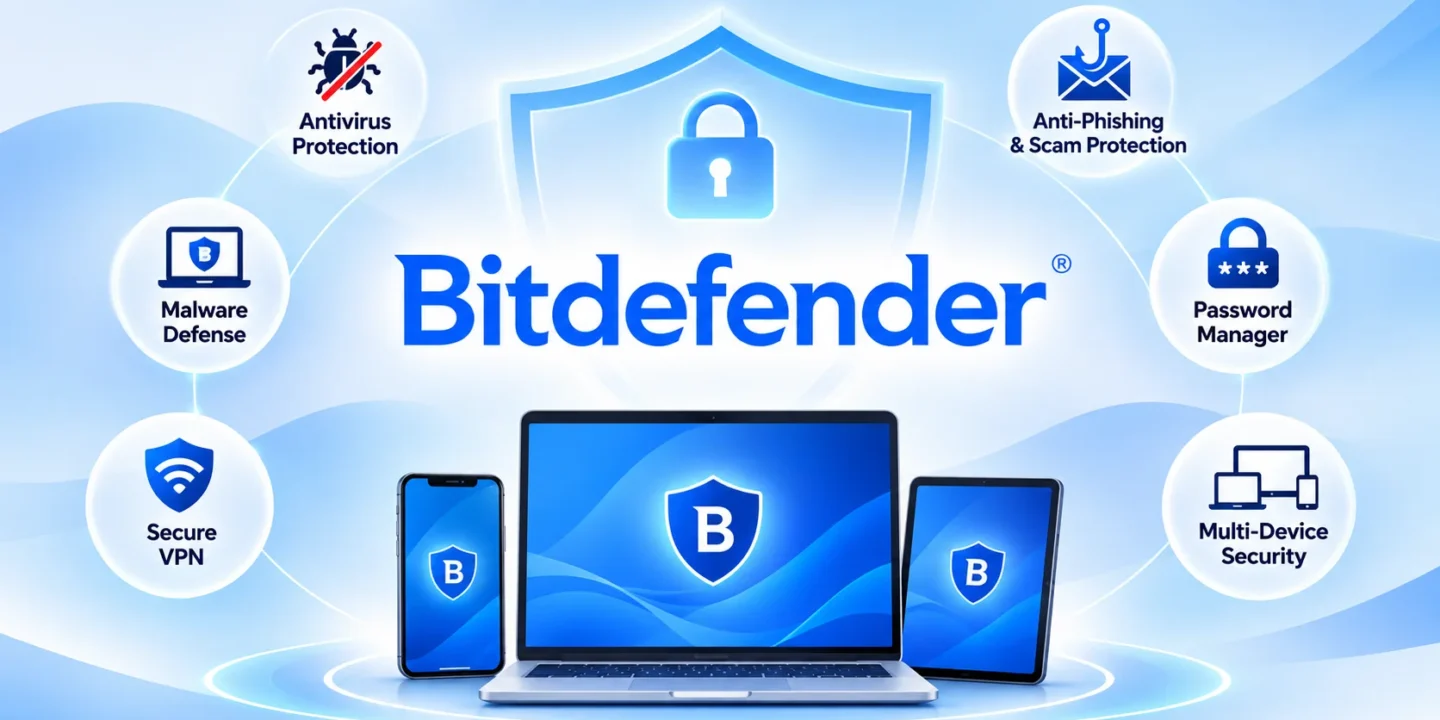
This is when Bitdefender helps as it provides cybersecurity solutions to protect computer devices, smartphones and all other gadgets from numerous online threats. Such cybersecurity solutions include antivirus protection, online privacy, scam prevention, and some other additional security measures.
Depending on one’s needs, there are different Bitdefender products. Some people may require antivirus protection only while others may need something else.
Bitdefender is a cybersecurity organization that provides software products to secure your device and personal information from online threats. The product offerings of this organization include antivirus products, internet security, VPN services, password manager, and identity protection.
The main aim of Bitdefender is to provide products to its customers that will help them recognize and prevent any security issues that might arise in the future.
This organization’s security products are compatible with all major operating systems such as Windows, macOS, Android, and iOS. This allows the user to secure multiple devices through various subscription offers.
For instance, if you use a Windows laptop for professional purposes and an Android smartphone for online transactions, you can go through the various products offered by Bitdefender.
One of the main reasons people look for cybersecurity software is to protect their devices against viruses and malware. These threats can enter a system through suspicious downloads, infected attachments, unsafe websites, or compromised applications.
Bitdefender provides real-time antivirus protection that helps identify, block, and remove different types of malicious software.
Its security technology also monitors suspicious application behaviour to identify potential threats that traditional detection methods might miss.
Some of the threats its security solutions address include:
Viruses: Malicious programs that can damage files and interfere with device operations.
Ransomware: Software that locks or encrypts personal files and demands payment.
Spyware: Programs that secretly collect information about users and their activities.
Trojans: Malicious applications disguised as legitimate software.
Phishing: Fraudulent websites and messages designed to steal sensitive information.
These protection features help users maintain a safer computing environment while browsing, downloading files, and using online applications.
Online scams have become a common concern for internet users. Fraudulent shopping websites, fake payment notifications, suspicious emails, and misleading social media messages can expose people to financial and privacy risks.
Bitdefender offers scam and web protection features that help identify potentially dangerous links, fraudulent websites, and suspicious online activities.
Its scam detection capabilities are designed to recognise suspicious content across different digital communication channels. Certain premium subscriptions also include AI-powered Scam Protection Pro, which provides additional protection against sophisticated scams.
These features can be particularly useful when users shop online, open unfamiliar links, receive unexpected payment requests, or communicate with unknown contacts.
However, security software should always work alongside basic precautions. Checking website addresses, avoiding unknown attachments, and never sharing OTPs or banking passwords remain important practices.

Device protection is only one part of cybersecurity. Online privacy also matters because websites, applications, and third-party services may collect information about browsing habits and online activities.
Bitdefender includes several privacy-focused tools depending on the selected subscription.
VPN: Bitdefender VPN encrypts internet traffic, helping protect online activities when connected to public or shared Wi-Fi networks. Some plans include limited daily VPN traffic, while higher-tier subscriptions offer unlimited VPN access.
Password Manager: Its password management solution helps users generate, store, and organise login credentials. This reduces the need to reuse simple passwords across multiple websites.
Anti-Tracker: This feature helps block tracking technologies that collect browsing information.
Microphone and Webcam Protection: Compatible security products include tools that help prevent unauthorised applications from accessing sensitive device features.
Together, these features provide additional control over personal information and online activities.
Bitdefender offers multiple subscription options for different security requirements. Users can compare available plans according to their preferred features, supported devices, and number of users.
Some of its popular consumer products include:
Bitdefender Antivirus Plus: Designed for users looking for essential antivirus and malware protection with additional security features.
Bitdefender Total Security: Combines device protection with privacy and performance-related tools across supported operating systems.
Bitdefender Premium Security: Adds features such as unlimited VPN traffic and enhanced scam protection.
Bitdefender Ultimate Security: Offers a broader collection of cybersecurity, privacy, and identity protection features.
The availability of individual features depends on the selected plan, operating system, and subscription terms. Users should review the official product comparison before purchasing.
A security application should protect a device without making everyday activities unnecessarily difficult. Bitdefender designs its software to work across supported desktop and mobile operating systems while managing system resources.
Its Total Security package includes features such as Autopilot, which recommends relevant security actions, and dedicated profiles that adjust certain settings depending on activities such as gaming, working, or watching movies.
The software also offers system optimisation utilities for supported Windows devices.
For people who regularly switch between work, entertainment, and personal activities, these tools can help manage security settings without requiring constant manual adjustments.
Bitdefender can be worth considering for different types of internet users.
Students who download study materials, professionals who handle work documents, families managing multiple devices, and individuals who regularly shop or bank online may benefit from suitable cybersecurity protection.
Small business owners can also explore security products designed for business environments, particularly when employees access company information through connected devices.
The right choice depends on the level of protection required, the number of devices involved, and the available budget.
Digital security has become an everyday requirement as more personal and professional activities move online. A reliable cybersecurity solution can help reduce exposure to malicious software, fraudulent websites, suspicious downloads, and other online threats.
Bitdefender brings together antivirus protection, scam detection, privacy tools, VPN services, and password management through different security products. Its range of subscription options allows users to explore solutions according to their requirements.
Before choosing a plan, compare its features, device compatibility, subscription conditions, and renewal pricing. Combining suitable security software with responsible browsing habits, strong passwords, and regular software updates can help create a safer digital environment.
© 2026. All rights reserved by Saasutility.







No Comments