Teachable: A Practical Guide For Creators Building Online Learning Businesses
 Veer
Veer


 Veer
Veer
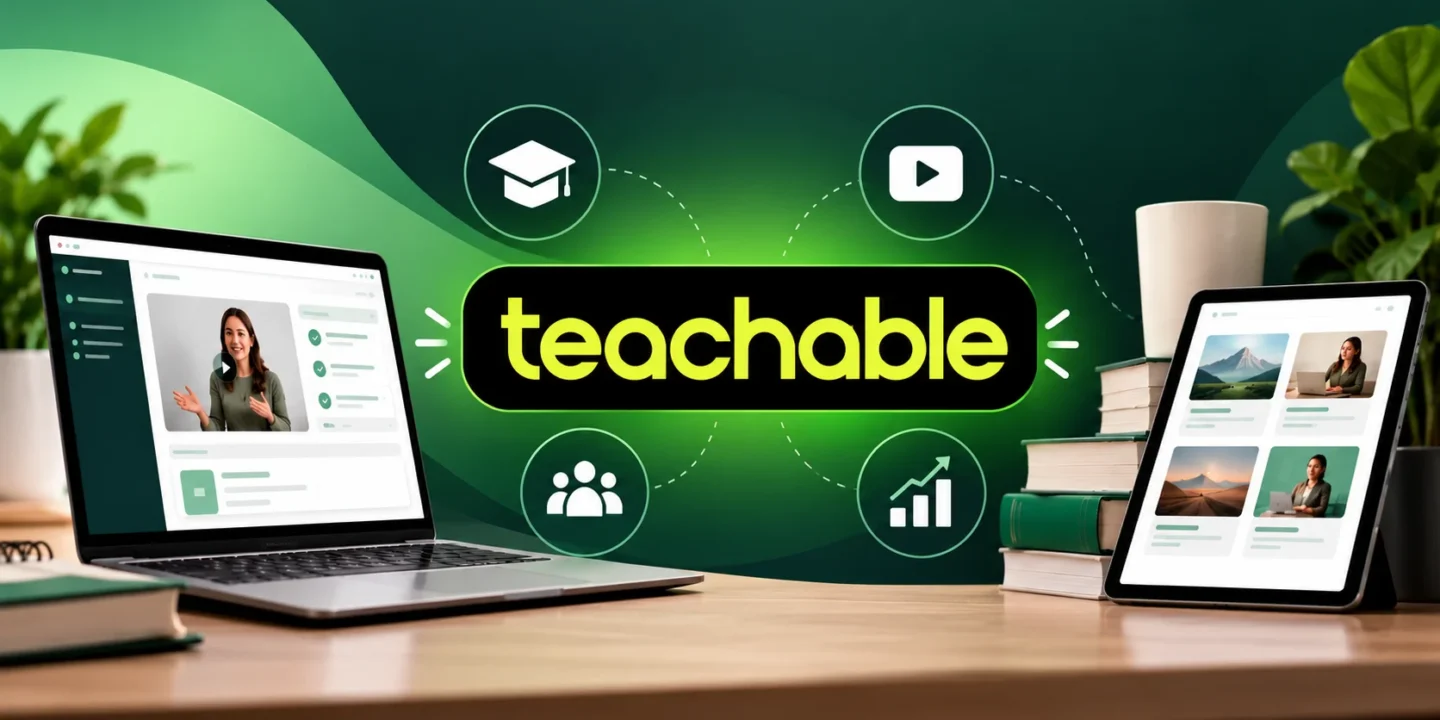
Making an online course seems to be an easy job until the creator starts to deal with courses, payments, students’ access, promotion, and other aspects at once. Teachable unites most of these activities in one platform, providing creators with the opportunity to make and sell online courses, coaching, digital downloads, and memberships. The platform is designed for creators who want to convert their knowledge into products without creating a whole learning website.
This simpler process can allow creators to work with fewer tools than before, and it can be helpful when launching the first course.
The practical value of Teachable lies in the combination of teaching and selling. All actions such as uploading course content, organizing lessons, creating offers, managing students, and handling payments can be done in one place. Teachable is also flexible and allows creators to deliver knowledge through various methods, like self-paced learning, coaching, memberships, and downloads.
Thus, creators have an opportunity to create a few products related to the topic rather than a single course. If you teach people photography, business, fitness, design, or foreign languages, you will appreciate this flexibility.
It is obvious that any course platform should be usable by both teachers and students. In other words, learners will have to log in using either the school account or Teachable account when it is activated, or even a Google account if the school permits it. The whole Teachable student login procedure is customized for each specific school; thus, the student should start from the school web page or the email he/she received.
In general, the user will need either a verification code via email or a password.
In case you own or manage a school, the Teachable sign-in process is different for owners and students. The owner of a school can log in his or her account and choose a needed school. On the other hand, students have their sign-in process defined by the school itself.
Understanding these differences helps to save time in case one is not able to find a proper sign-in page. A missing sign-in button could be a result of the school customization. Thus, in such cases, it would be better to check an enrollment email or contact a school directly.
Teachable Machine has a simple yet confusing name. This is the name of the web-based experiment created by Google that allows users to train machine learning models using examples like pictures, audio, and poses. It should not be confused with the course platform mentioned in the article above.
In case you are searching for AI experiments, computer vision, or introductory machine learning, Teachable Machine is a totally different thing. When you need a solution to sell your courses, then you need Teachable.
However, before selecting any plans, one needs to consider factors other than the cost of subscriptions. The pricing of Teachable varies according to the type of plan and its payment system, and the processing fees might also impact the amount of money that remains after each transaction. Depending on the number of products to sell, the number of learners expected, and business needs, one can determine the best plan to use.
A small creator will have different needs compared to a team managing a big educational business. Hence, it is better to review the existing plan features before subscribing.
| Plan | Annual Billing | Monthly Billing | Transaction Fee | Products | Active Students |
|---|---|---|---|---|---|
| Starter | $29/month | $39/month | 7.5% | 5 | 100 |
| Builder | $69/month | $89/month | 0% | 10 | 1,000 |
| Growth | $139/month | $189/month | 0% | 50 | 5,000 |
| Advanced | $309/month | $399/month | 0% | 100 | 10,000 |
The annual prices shown above are the effective monthly rates when billed annually. Teachable introduced these four plans in June 2025.

| Feature | Starter | Builder | Growth | Advanced |
|---|---|---|---|---|
| Courses & digital products | ✓ | ✓ | ✓ | ✓ |
| Memberships | ✓ | ✓ | ✓ | ✓ |
| Community | ✓ | ✓ | ✓ | ✓ |
| Bundles | Unlimited | Unlimited | Unlimited | Unlimited |
| Coupons | ✓ | ✓ | ✓ | ✓ |
| Upsells | ✓ | ✓ | ✓ | ✓ |
| Abandoned-cart emails | ✓ | ✓ | ✓ | ✓ |
| Affiliates | — | ✓ | ✓ | ✓ |
| Admin seats | 1 | 1 | 5 | 5 |
| AI captions & translations | Paid usage | Paid usage | Included | Included |
| 0% transaction fee | — | ✓ | ✓ | ✓ |
As per Teachable, all four plans have similar characteristics such as course drip, certificate, lesson comment, quiz, student report, engagement report, subscription, sales report, and integrated checkouts. Teachable Help Center
Important: Payment-processing fees may be applicable even under plans with 0% Teachable transaction fees. As an illustration, there are different processing fees in Teachable depending upon the mode of payment and location of students.
However, even the best course software does not equal good teaching itself. The highest results will be achieved with effective lessons, useful examples, proper pace of learning, and the outcome for the learners. Teachable will help to frame all of these into a system, with its course delivery, payments, learner management, and sales tools.
Moreover, its artificial intelligence-based functions can assist in the creation of course drafts, quizzes, or subtitles. This will be especially helpful when the creator is still responsible for the content’s accuracy and quality.
It is much more useful when the platform experience corresponds to the learning style of your audience. Some users may like video lessons only while other people might prefer written materials, quizzes, downloads, or coaching. It would be possible to use different styles of content delivery instead of trying to fit all the lessons into one format.
The possibility of mobile access to the platform is also quite important since most users use both computers and mobile devices while studying. It is better to create a simple learning path and navigate in the purchased products easily.
If you’re looking to have just one site to create content and run the business on that content, Teachable is relatively straightforward. The choice is not really about whether it has all of the features you might be looking for. It’s about whether its features, pricing, payments, customer experience, and product restrictions align with your sales and teaching plans.
Before you decide to sign up, check if the number of students and variety of products that you expect will fit into the current plan. If they do, Teachable will provide you with the basis of a business.

© 2026. All rights reserved by Saasutility.





No Comments