Housecall Pro: A Smarter Way to Manage Your Home Services Business
 Amit Chauhan


 Amit Chauhan
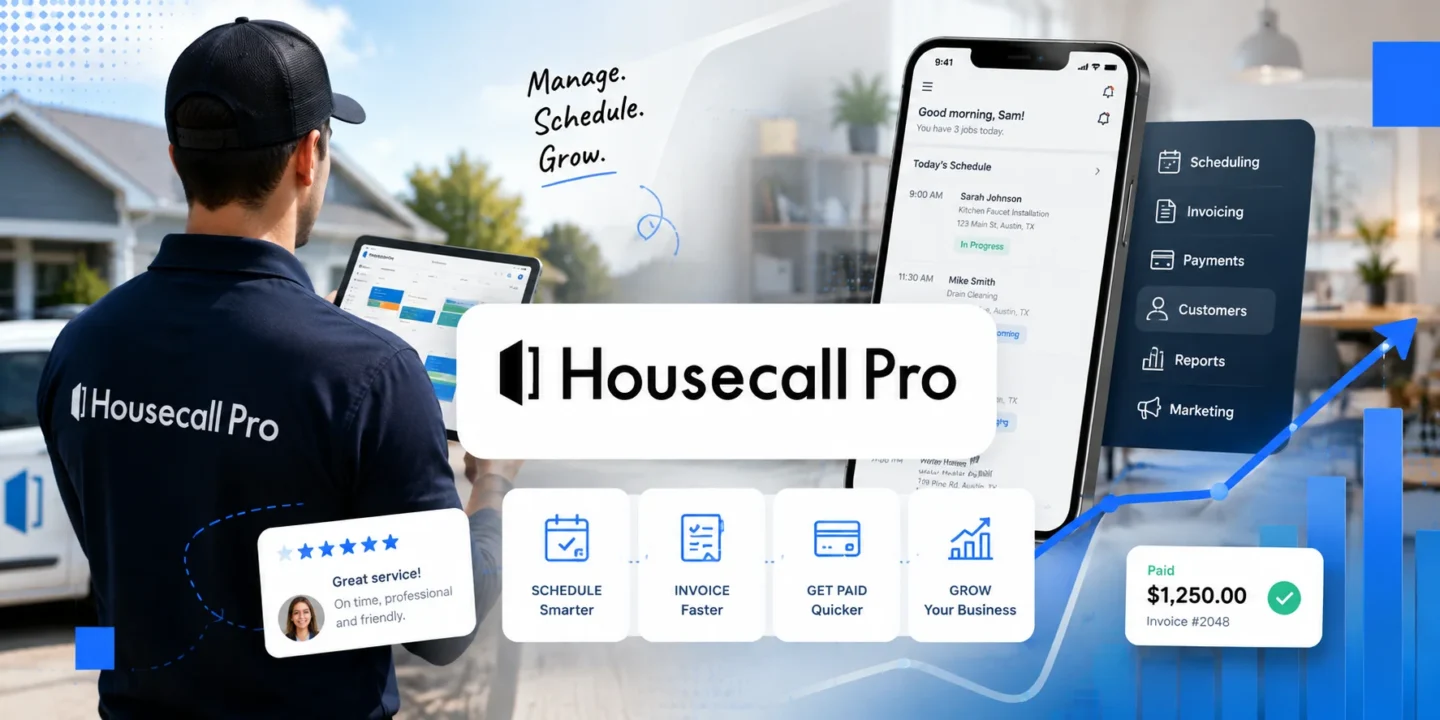
Home services business jumps from being on the road, at the office, on the phone, and behind the computer. The tricky part is to keep the client, technician, schedule, payments, and follow-ups synchronized. This is why Housecall Pro appears to be exciting: not only because it is software but because it serves as the core of the business workflow.
After the client’s call someone should register the request, find the availability window, allocate the technician, inform the client about that, document the performed service, send the invoice and make sure that the payment goes through. When those actions are done using different software, information may easily get lost, transforming small errors into no-shows or uncomfortable calls to the client.
Housecall Pro is designed exactly for such a workflow. It ties scheduling, communications, estimates, invoicing and payments. This is important since the owner is unable to control all operations personally. This is why housecallpro reviews are worth reading with a certain practical question in mind: does the software decrease the handovers?
There’s an excellent litmus test: what happens when the owner is gone?
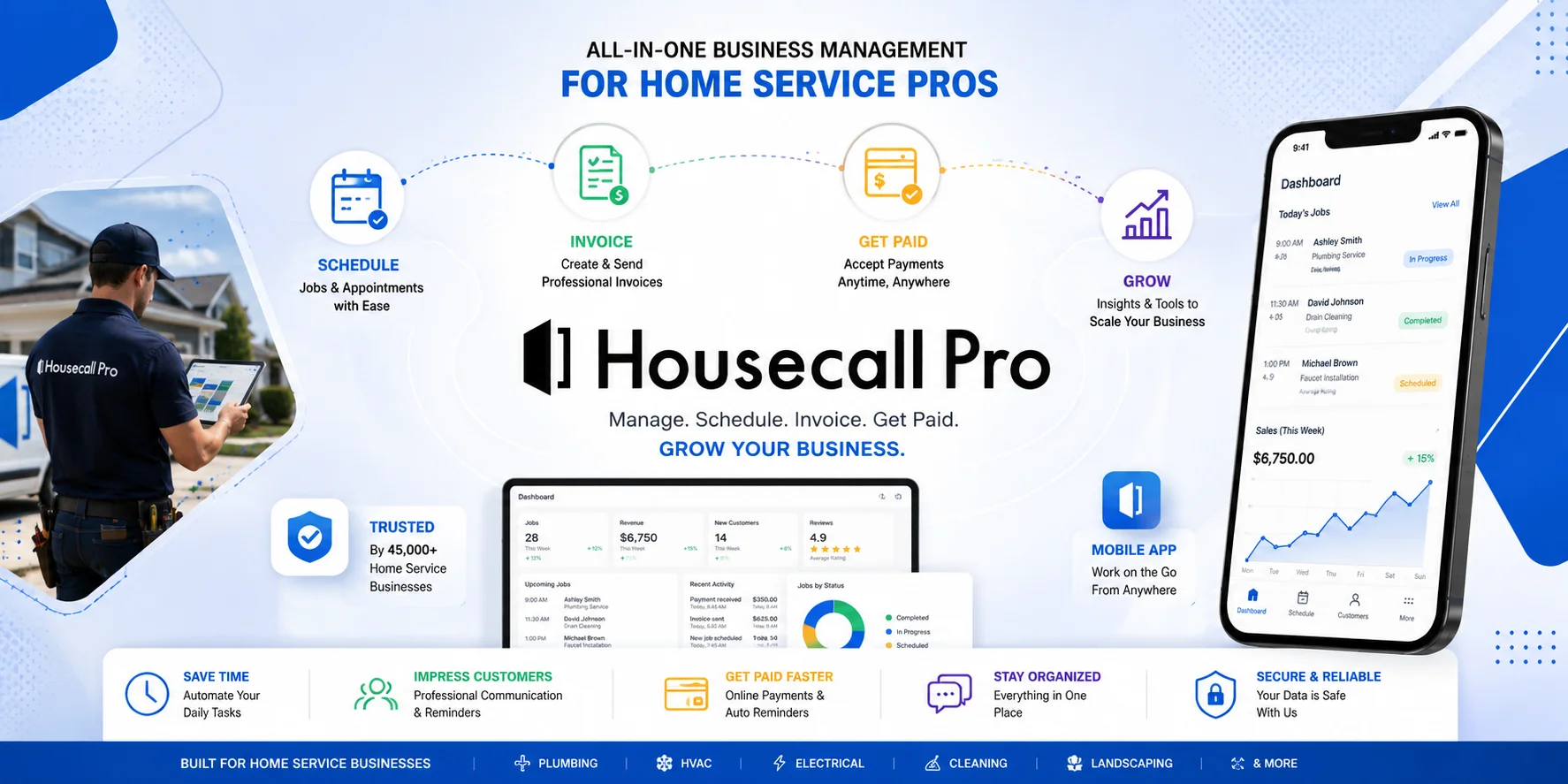
The goal of Housecall Pro is to make sure that the whole team can keep on going without stopping to wait on one person for all the answers. The technician can keep working using the mobile application, and the office can monitor appointments and the actions of the customers. The customer can make appointments, get updated, and pay, all without endless phone calls.
This is particularly important to those owners who started out as technicians. Growth won’t necessarily make an owner stop doing everything themselves. Good software will keep the owner and the business separate.
The housecallpro pricing page is worth examining from the perspective of changing prices based on the size of the team and plans for growing. On the housecallpro pricing page, Basic costs $59 per month on an annual basis with an alternative monthly option for $79. Essentials costs $149 per year on an annual basis or $189 monthly, and Max costs $299 annually or $329 monthly. The prices are in United States dollars without sales taxes, meaning the housecallpro pricing page should be viewed that way.
The housecallpro pricing page offers a 14-day free trial period without a credit card required so that a company could examine its work process on actual projects.
The pricing plan has tiers for growing purposes: Basic for the start-up phase, Essentials for teams of greater size, and Max for additional features and assistance. Additional users and options may influence final price, which means the housecallpro pricing is not the only thing to be taken into account.
A feature page explains capabilities, but housecallpro reviews will reveal the experience of using these capabilities on a regular basis. Pay attention to mobile use, support, setup, billing, and administrative tasks remaining. Housecallpro reviews become relevant only when you operate in the same market segment.
According to the company, it boasts a 4.7-star rating thanks to more than 2,700 reviews on Capterra and over 200,000 Pros use the platform. These numbers prove wide adoption, but still you need to hear something from other businesses like yours.
The housecallpro login is a minor detail and the housecallpro login process must be straightforward for each user. Following a housecallpro login, an owner will require the dashboard on a PC from his office, while technicians would use a mobile app on-site. The plans include free iOS and Android mobile apps, support, etc.
Home services cannot be rendered from behind a desk.
The point is not about whether there is scheduling or payments in the software. What actually matters is whether it decreases decision-making, duplication of efforts, and transfers between people.
For example, for a plumbing, HVAC, electrical, cleaning, landscaping, or some similar company, it may result in less use of spreadsheets, repeating of calls, and monitoring of status. The Housecall Pro is designed for solo workers and expanding teams who can choose plans that will grow as the business grows.
There is no one solution for everyone. Solo workers with simple scheduling might need less, while expanding companies could get more benefit from the software.
The best option is to try it out – to make appointments, send estimates, collect payments, use mobile, and find out which tasks are not covered by the software. When common tasks get easier with the software, it means that it does work.
The most valuable housecallpro reviews can be your own after you test it out yourself. The free trial allows users to check the performance of the platform compared to the current one before choosing a plan for the payment and another housecallpro login.

© 2026. All rights reserved by Saasutility.







No Comments