DomoAI: A Practical Look at What It Feels Like to Create
 Amit Chauhan


 Amit Chauhan
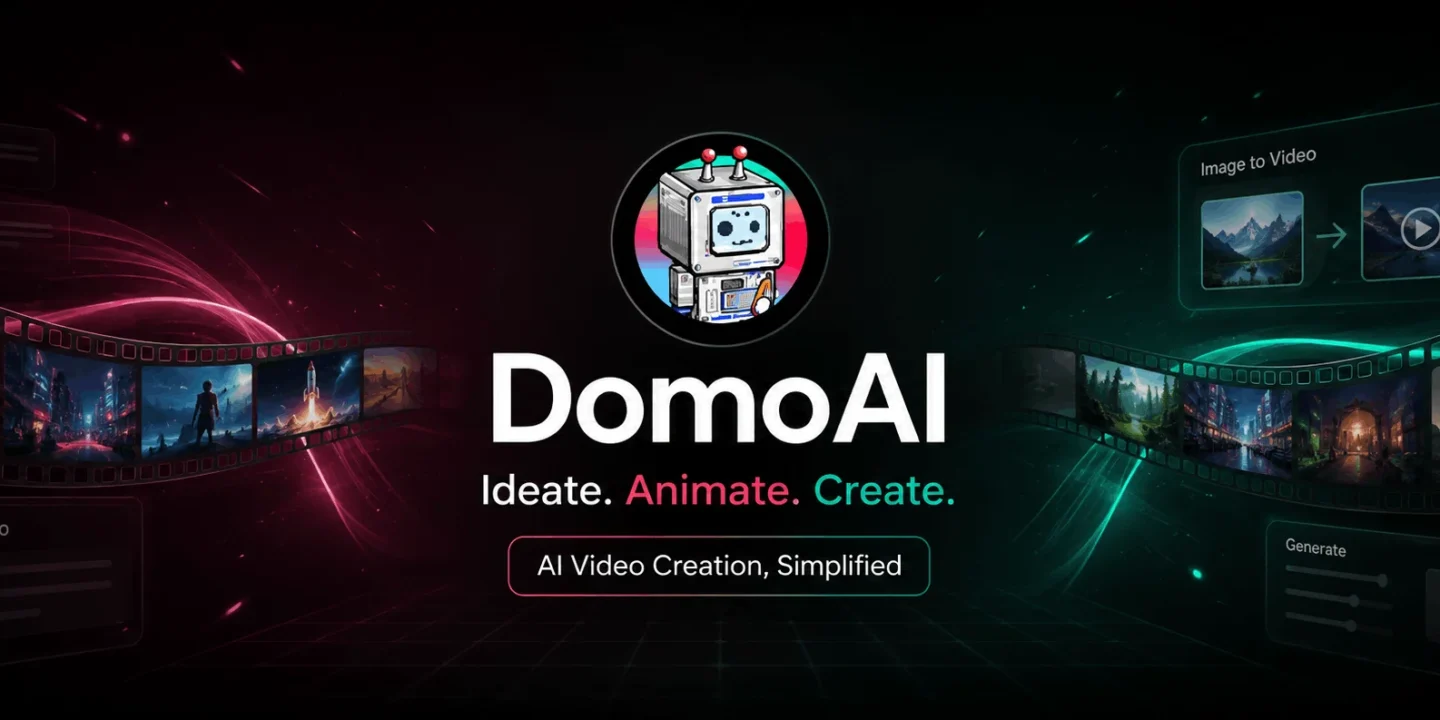
These tools can be found almost anywhere, but it does not mean that their use will be as easy as just watching a nice demonstration video. The true challenge is bringing an idea to life. This is where Domo AI gets really exciting. Rather than approaching AI generation as if it was something that could be done by clicking once, it turns out to be a creative environment for experimentation and idea shaping.
DomoAI seems more related to creativity than editing. You can start from anything, such as text, image, or even footage, and see how much the AI will change it. If you usually switch between multiple apps, DomoAI can help you streamline your workflow. The Domo AI app also makes this process enjoyable even when you are experimenting with an idea.
One of the most effective approaches for comprehending DOMO AI image-to-video is not to get lost in novelty. A static image already possesses such elements as composition, characters, mood, and lighting. And what the generator should do is bring motion without compromising all the aforementioned factors.
That’s why Domo AI image-to-video becomes useful for making social media posts, developing story ideas, creating products’ scenes, making videos for music, and short promos. The idea is to try different types of motion around the static illustration. However, the output might not always be great, and there might be a need for several tries. It is also better to keep the original image clean and use only one action for the prompt.
The reason Domo AI video generation tool appeals is not only because of the videos but because of the various ways of arriving at the same concept. A user could start with a concept, then change the perspective to an image or existing footage in order to come up with a new perspective.
This becomes more important for short form content creation and can help save time in visual testing before spending many hours on editing. A marketer could visualize his campaign and an illustrator how his character can be in movement.
Domo AI allows for various styles and gives space for experimentation and creativity within the platform. The useful thing is to find a style that matches.
While a rapidly changing tool requires community support just as much as user-friendly interface, the Domo AI Discord community allows users to get some more help from fellow creators, view prompts and examples, and understand how other people tackle issues during their generations.
In cases when the outcome was almost good enough but still something went wrong, looking at the prompts or reference pictures of other creators can teach useful things that cannot be found in feature descriptions.
Pricing is based on the credits system, although annual billing allows to use the service for lower monthly-equivalent fees. There is also a possibility to try out the service for free, which allows newbies to learn about its workflow without paying.
| Plan | Annual Price | Credits/Month | Notable Extras |
|---|---|---|---|
| Basic | $6.99/month | 500 | No watermark, 3 fast lanes |
| Standard | $19.59/month | 1,500 | Unlimited Relax Mode, 3 fast lanes |
| Pro | $48.99/month | 4,000 | 6 fast lanes, longer advanced video options |
The price can vary; therefore, it is current as of now. Standard and Pro will appeal to those that work often as Relax Mode will use no credits although it might take more time. Basic will be good for less intensive usage.
It would be a good fit for visual thinkers who like to experiment. DomoAI will be a good fit for social media creators, illustrators, marketers, amateur videomakers, and everyone who wants to explore motion without learning an entire professional workflow.
While AI can create a great first draft, consistency, faces, hands, product details, text, and complicated motion will need a bit of tweaking from time to time.
What’s great about using the Domo AI app is the opportunity to jump between different ideas without the necessity to fit all projects to one workflow. You are free to experiment with a particular scene, animate a static picture, alter footage or just check out what happens when you go with a certain idea.
It might be easier for starters to use AI video technology, and for experienced artists, it will help to try out more concepts quickly. The key here is not to aim for perfection with your first attempt, but rather iterate with improved references and instructions.
This is what sets DomoAI apart from other tools – it helps to conduct more creative experiments faster.

© 2026. All rights reserved by Saasutility.






No Comments