Movavi: Smarter Ways to Create, Edit, and Share Content Without the Learning Curve
 Veer
Veer
 Veer
Veer
Learn how Movavi helps users create videos, edit photos, record screens, and convert files quickly with beginner-friendly tools that save time while delivering professional-looking results.
The creation of digital content is part and parcel of our daily activities now. Whether you are creating content for YouTube, preparing online classes, recording business presentations or even editing your personal pictures, there are a number of tools available which will make things easier for you. However, people tend to shy away from undertaking any creative work due to the complexity of the editing tools. This is where Movavi distinguishes itself by providing a user-friendly interface to undertake creative tasks.
Users do not need to spend weeks understanding complex software but instead just use the product in realizing their objectives. The tasks ranging from video editing to improvement of photos, recording tutorials and conversion of documents can all be undertaken with this product.
Each creative endeavor starts with an idea, but bringing it to life does not have to be hard. If you want to make a travel vlog, an informative video, or any kind of social media material, the Movavi video editor will help you arrange clips, use transitions, add background music, and edit videos with ease.
The reason why many people avoid editing is that they think they need to know a lot about the process. The simple interface and workflow allow creators to spend more time on story-telling rather than looking for tips. It makes the process of creating content pleasant and easy.
All the simplicity is kept in the Movavi ecosystem as well, which makes it possible to move freely between various kinds of creative work.
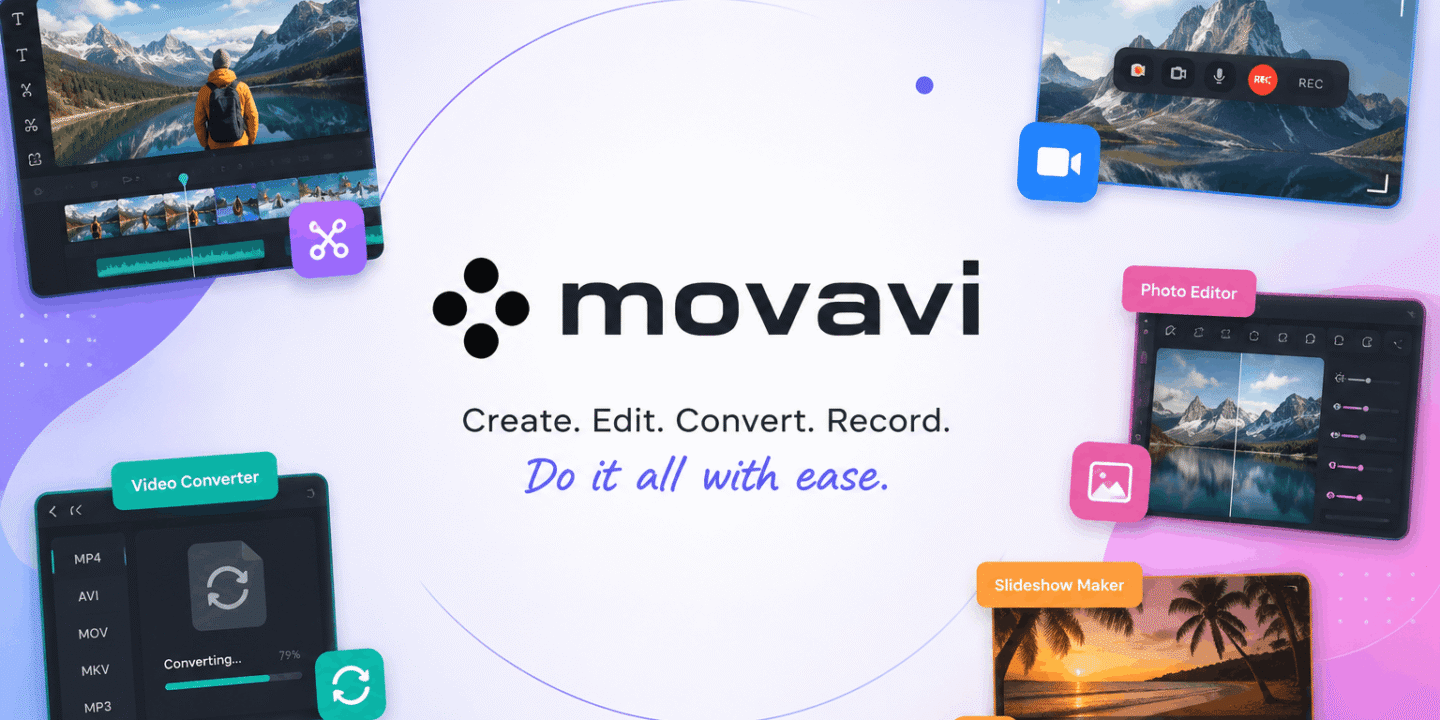
The digital creation is not all about videos only. The user needs tools that will help in capturing screens, improving images, slideshow making, and converting various kinds of media files into different formats. Users do not have to download numerous complicated software to accomplish these various types of works. This toolkit enables the accomplishment of all these activities with ease.
Video makers find it helpful when the files have to be exchanged between different systems or different platforms. Large video files can easily be prepared in a compatible format without any complication involved in the process.
When your work involves demonstrations, virtual learning, highlighting games, or software tutorial, the Movavi screen recorder will enable you to capture the screen easily.
The fans of photography may also get something useful out of using Movavi Photo Editor because with its help, they can easily enhance the quality of their images, eliminate any unnecessary elements, correct colors, and even get ready pictures for web use. In many cases, very simple corrections can do wonders, and one doesn’t need to have any special knowledge about photo editing to apply them successfully.
For people who like to create exciting presentations out of their pictures, there is also an excellent option—Movavi Photo Editor & slideshow maker.
All people do not have sufficient time to study difficult software programs. Some have homework, some run businesses, and others have strict deadlines for content creation. Instead of hindering, software needs to help people work efficiently.
The primary benefit of using Movavi is its simplicity for busy people. Regardless of whether a person wants to edit a birthday video, record online meetings, prepare marketing materials, or sort out personal memories, everything stays clear and comprehensible.
The Movavi video editor allows making quick edits without losing quality, while the Movavi screen recorder helps save significant moments immediately. At the same time, Movavi Photo Editor has useful functions to make photos better without much trouble.
Thanks to such a user-friendly approach, one does not need to worry about technical issues and be able to finish the task.
Content creation frequently entails doing repetitive things. For instance, videos may require formatting, while screenshots need some editing. It will take much of one’s time using different programs.
The Movavi video converter allows to facilitate file management and help creators concentrate on publishing rather than compatibility. In a similar way, the Movavi photo editor & slideshow maker makes the process of turning a regular photo collection into an engaging story much easier.
Such a time-saver workflow becomes particularly important for business people, freelancers, educators, and influencers who can spend extra minutes on making their content more engaging.
One might also be interested in getting a Movavi discount coupon prior to buying any of these products. Getting a movavi discount coupon will help to save money and get interesting software. Getting a movavi discount coupon during some period when such things are being offered is usually quite a reasonable step.
Software is meant to facilitate idea expression rather than limit its user through technical difficulties. No matter whether one needs to create videos, enhance pictures, record online lessons, transform media files or create amazing slideshows, the availability of appropriate tools will ease the whole process.
Movavi Video Editor, Movavi Video Converter, Movavi Screen Recorder, Movavi Photo Editor, and Movavi Photo Editor & slideshow maker, each designed for a specific task, will offer a well-balanced choice for everyday needs.
Considering how important digital content becomes nowadays, choosing software which will save a lot of time and effort on the one hand and facilitate creation on the other is a sensible decision to make.
In case you are going to make up your mind about the next project, looking for a Movavi discount coupon might be a very good choice.

© 2026. All rights reserved by Saasutility.






No Comments